
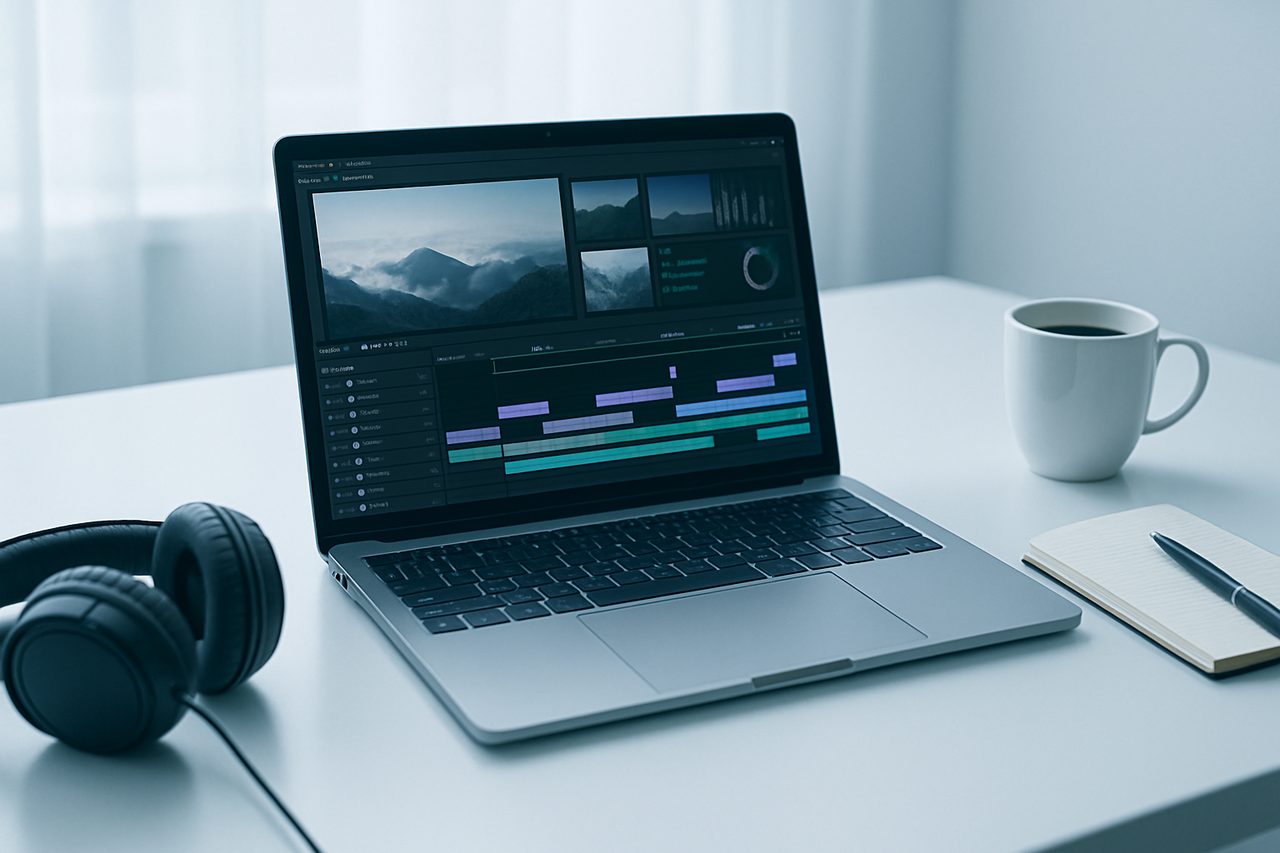
 Video Editing
How to Learn Video Editing for Beginners: A Clear Guide
To learn video editing as a beginner, pick one editing program, learn a handful of core skills (importing footage, cutting clips, adjusting pacing, cleaning up audio, and basic color), and then practice by finishing short, real projects from start to export. You do not need expensive equipment or advanced software to begin. Steady practice on small edits will teach you far more than watching endless tutorials without applying them.
What video editing actually involves
Video editing is the process of selecting, arranging, and refining recorded footage into a finished piece. At its heart, it is decision-making: what to keep, what to cut, and how to guide a viewer's attention. The software is just a tool for those decisions.
Most projects follow the same rough workflow:
- Import your clips, audio, and any images into the editor.
- Assemble a rough cut on the timeline in the right order.
- Trim and refine to control pacing and remove dead space.
- Add audio such as music, voiceover, or sound effects, and balance levels.
- Polish with transitions, titles, and basic color correction.
- Export in the correct format for where the video will be shown.
Step 1: Choose one tool and stick with it
Beginners often waste weeks jumping between programs. Choose one and learn it well. Common starting points include:
- DaVinci Resolve - a powerful free version with professional color tools.
- CapCut - beginner-friendly and popular for short social videos.
- iMovie - free and simple on Apple devices.
- Clipchamp or the built-in editor on many Windows machines.
- Adobe Premiere Pro - an industry standard, though it is subscription-based.
Any of these can produce good work. The skills transfer between programs, so your first choice is not permanent.
Step 2: Learn the core skills, in order
Cutting and pacing
The single most important skill is knowing where to cut. Watch how professional videos rarely linger. Practice trimming out pauses, mistakes, and filler so the story moves. Pacing is what separates a boring edit from an engaging one.
Audio
Audio is often more important than picture. Learn to balance dialogue against music, remove obvious background noise, and avoid clipping (distortion from levels that are too loud). Clean, clear sound instantly makes an edit feel more professional.
Titles and transitions
Add simple text for names, captions, or context. Keep transitions minimal - a straight cut works most of the time, and heavy effects usually look amateurish.
Basic color correction
Learn to correct exposure and white balance so footage looks natural, then explore color grading (setting a mood or style) once the basics feel comfortable.
Step 3: Finish a real project
Knowledge sticks when you apply it. Give yourself a small, completable brief, such as:
- A 60-second recap of a day out.
- A short recipe or how-to video.
- A one-minute highlight reel set to music.
Completing a full edit - including the tedious final export - teaches you more than starting ten projects you never finish.
Step 4: Build habits and a small portfolio
Improvement comes from repetition and feedback. A few practical habits:
- Edit something short every week, even if it is rough.
- Learn a handful of keyboard shortcuts to speed up your workflow.
- Rewatch your old edits and note what you would change.
- Save your best two or three pieces to show others.
A short portfolio of finished work is far more persuasive than a list of tools you have opened.
Do you need a certificate or a course?
You can learn video editing entirely from free tutorials if you are disciplined. A structured course helps mainly by giving you a clear order to learn things in, so you are not guessing what to study next. A certificate can document that you completed structured training, but on its own it does not guarantee work - clients and employers usually judge editors by their finished videos. Treat any credential as a supplement to a strong portfolio, not a replacement for one. If a guided path suits how you learn, you can browse beginner-friendly options among available courses and pair them with hands-on practice.
Common beginner mistakes to avoid
- Overusing effects and transitions instead of clean cuts.
- Ignoring audio quality and levels.
- Collecting tutorials without ever editing your own footage.
- Chasing gear before mastering fundamentals.
- Never finishing projects, so nothing gets exported or shown.
A realistic timeline
Most beginners can produce a watchable short video within their first few weeks of consistent practice. Developing a confident, efficient workflow typically takes several months. Progress depends far more on how often you actually edit than on how much you read or watch.